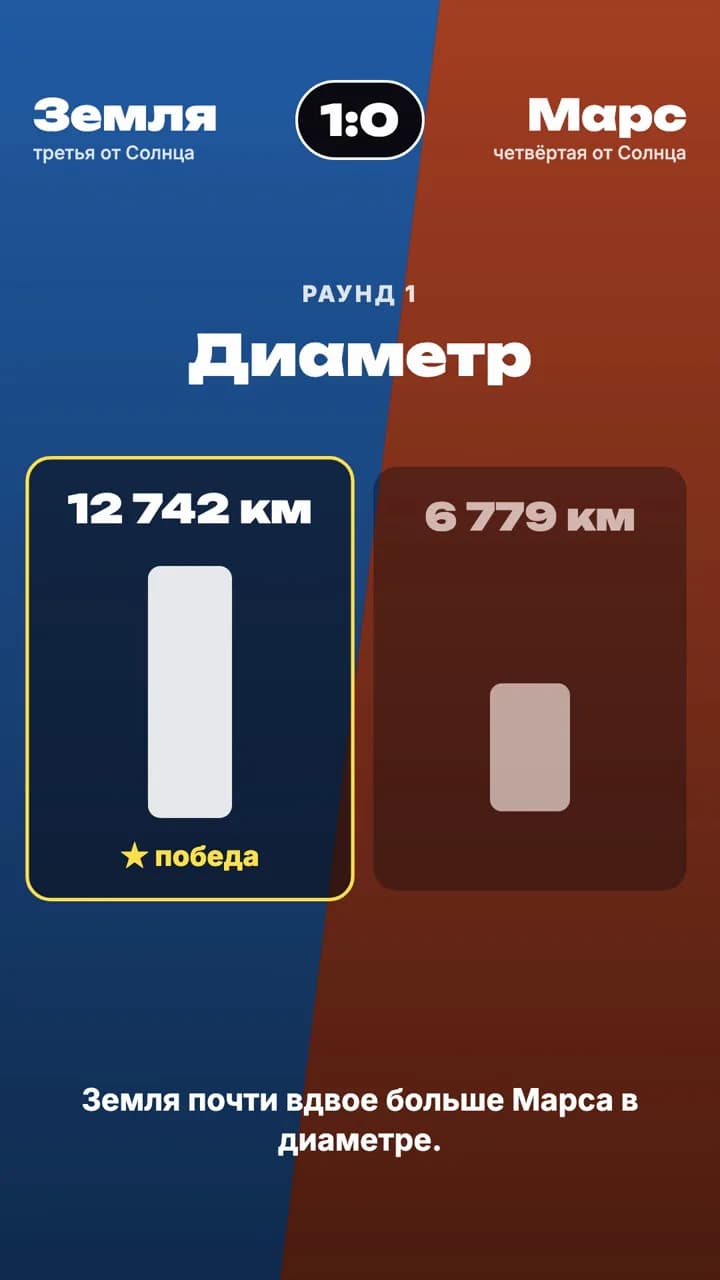
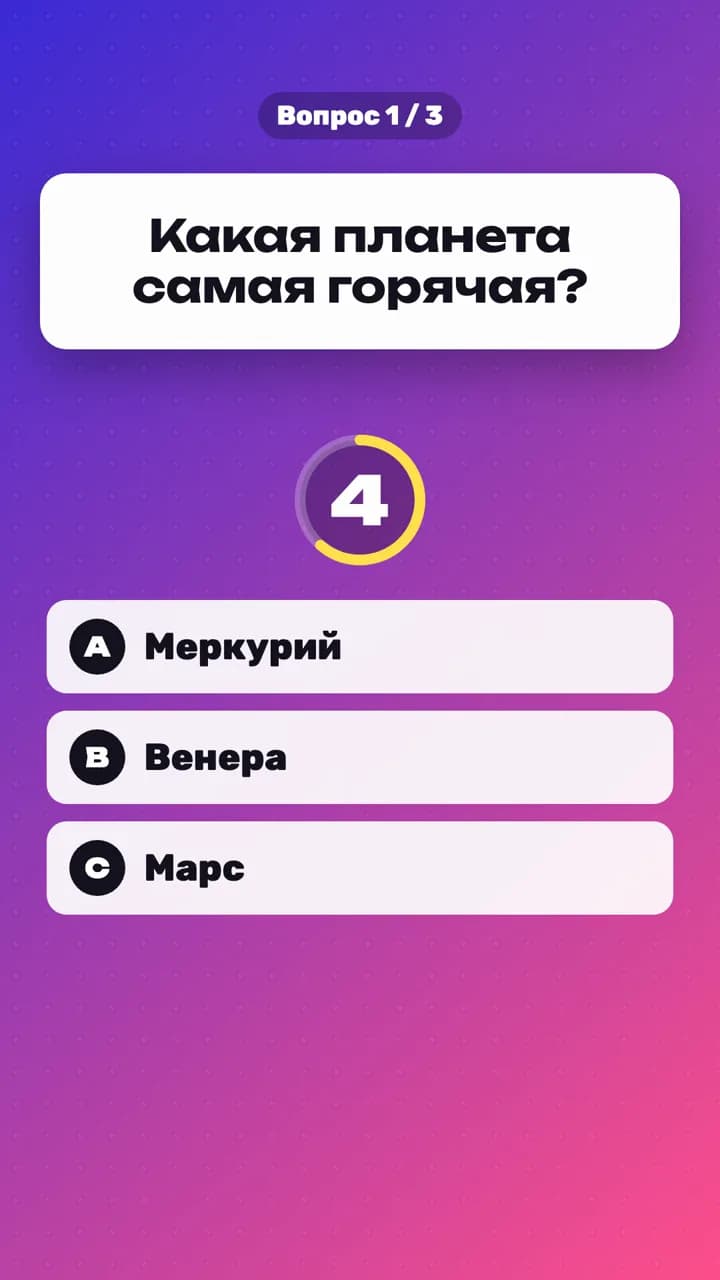
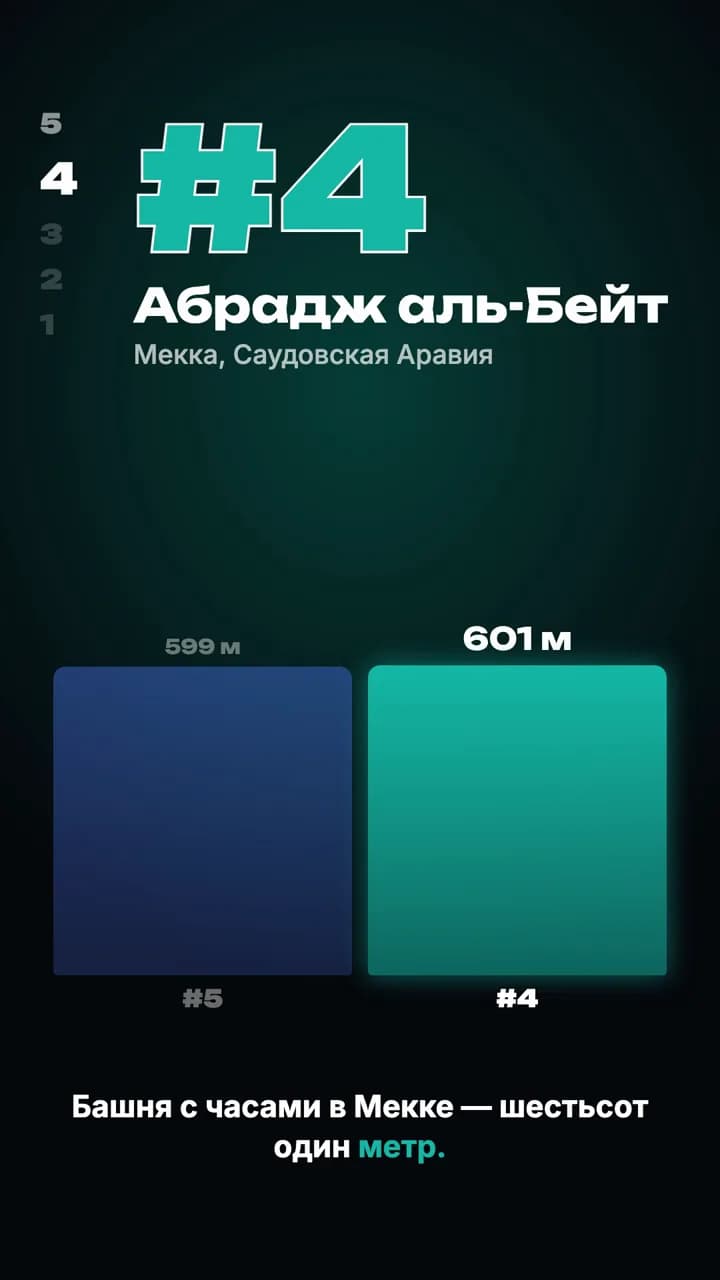
Инфографика
Explainer in a product-UI style: avatar, headlines, widgets.
Version 1.0.0
This project is part of every package. Already have one? Pick this project in your account.
The go-to explainer format for tech topics: a narrator avatar, bold headlines with a highlighted word, chapter tabs, light and dark scenes and ten UI widgets — a toggle with a cursor, stacked notifications, a glossy icon with callouts, a node tree, a big number, a checklist, a code window, an input box and a like/subscribe ending. Voice-over via Fish Audio.
At a glance
- Style
- Explainers
- Length
- 25–60s
- Platforms
- Instagram Reels, YouTube Shorts, TikTok
- Extras
- Sound effects, Transitions
Works with Claude Code
Open the kit folder in Claude Code and describe the video you want. The kit’s SKILL.md tells Claude how to edit and render it.
Requirements
- Claude Code
- Node.js 20 or newer
- Local rendering with Remotion (included in the template)
- Outputs 1080×1920 MP4
What’s inside
The files you get in the download.
- ui-infographic/
- public/
- sfx/
- beep.mp33 kB
- click.mp32 kB
- rise.mp325 kB
- thud.mp315 kB
- whoosh.mp313 kB
- scripts/
- voice.ts2 kB
- src/
- components/
- Basics.tsx6 kB
- Icons.tsx5 kB
- Widgets.tsx13 kB
- episodes/
- account-hijack.ts4 kB
- active.ts1 kB
- types.ts2 kB
- Infographic.tsx4 kB
- Root.tsx1 kB
- index.ts1 kB
- narration.ts1 kB
- theme.ts1 kB
- voice-key.ts1 kB
- voice.ts1 kB
- CLAUDE.md1 kB
- LICENSE.txt2 kB
- README.md1 kB
- SKILL.md5 kB
- package.json1 kB
- remotion.config.ts1 kB
- tsconfig.json1 kB
Example prompts
Paste one into Claude Code, or describe your own idea.
Make an infographic: why a website is slow, 6 chapters
Explain how bank cashback works with notifications and a checklist
License summary
- Use the videos you make commercially, including client work and ads.
- Don’t resell, share or redistribute the kit files themselves.
- Bundled audio, video and fonts are original or licensed for commercial redistribution.